Personalize a thank-you sticker that feels like a small gift
Turn a flower, a love letter, or an encouraging pennant into a personal message using editable text and original vector artwork.
· By Jubal Studio
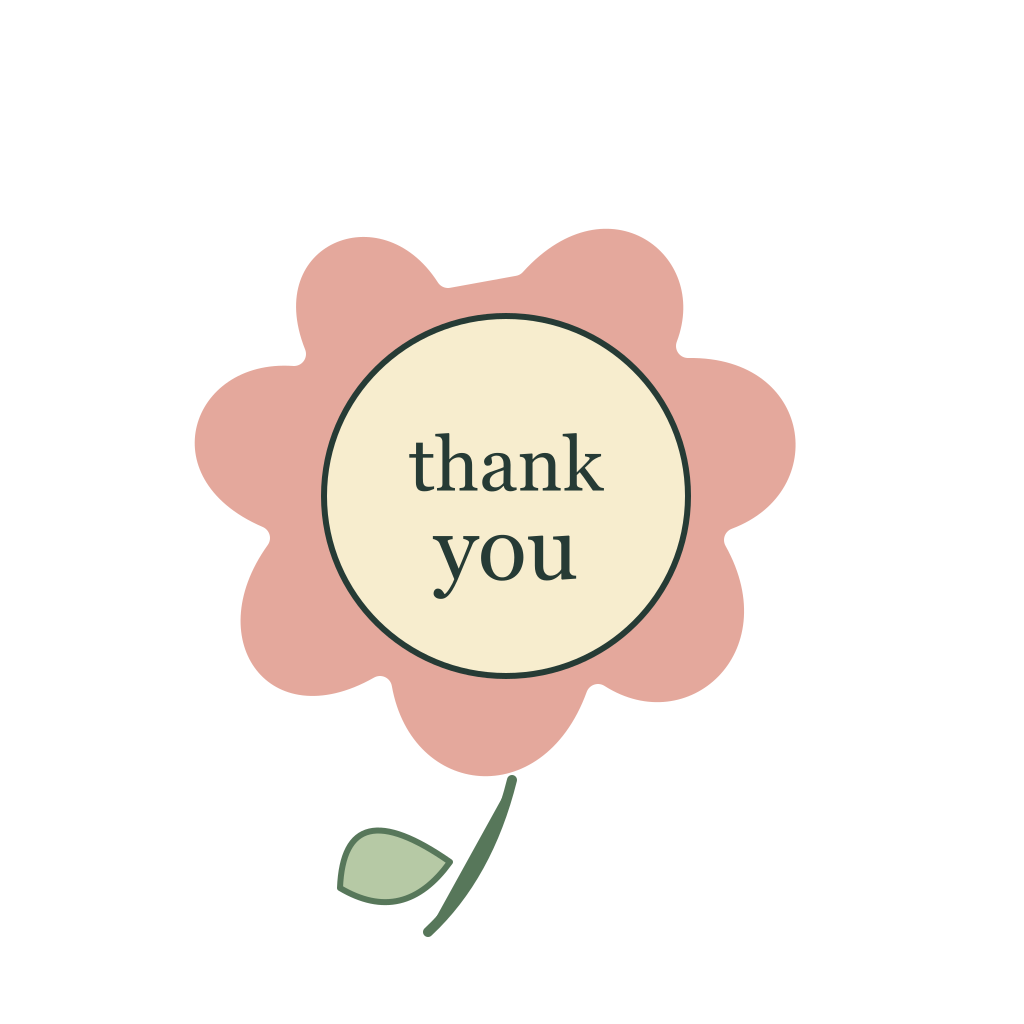
Choose a gesture that fits the message
A thank-you sticker can carry a little warmth without turning a message into a greeting card. Start with the feeling you want to communicate. A flower feels like a small gift. An envelope suits a personal note. A pennant encourages someone who is still working toward a goal. A trophy recognizes effort after a milestone.
In Hearts & kindness, these are separate illustrations with their own silhouettes. The love-letter design includes a heart-shaped wax seal, while the flower uses petals and a stem. That variation lets you choose a gesture, rather than simply choosing a color for the same heart.
Make the lettering personal
Open the Thank you flower in the studio. It has two live text layers inside the ivory center. Click either one in the layer panel and replace it with a name or a short message. A two-word phrase is often easier to read than a full sentence.
Try Thanks and Maya, or Great and work. Adjust the font size by scaling the selected text on the canvas. If the new words feel crowded, use a shorter phrase before you reduce them to a very small size. Keep the illustration as the visual anchor and let the words explain who or what you are appreciating.
Preserve the quiet details
The original palette uses muted pink, ivory, sage, and ink tones. You can change them, but you do not need to recolor every part to make a sticker yours. Personal lettering already changes its meaning. One accent color is often enough when you are matching a message to a project or occasion.
For individual vector colors, select the artwork and ungroup it. The flower center, petals, and stem become separate shapes. Undo lets you return to the grouped illustration if the result becomes too busy. Keep a visible contrast between the lettering and the center so that the words remain readable when the sticker is small.
Share a complete message
For a sticker with several text layers, export the full artboard or Shift-select the artwork and lettering before using Export selection. Exporting only the selected word will omit the illustration. A 2× PNG is a useful starting point for a crisp image; the space around the sticker stays transparent.
Paste with Copy PNG to clipboard when your browser and destination support image copying. Otherwise, download the PNG and attach it. If you want to reuse a vector file in another design tool, SVG can preserve the shapes, but check font availability in that tool. See the transparent export guide for a fuller explanation.
Be specific about the appreciation
Pair the sticker with a short sentence about what the person did. Thanks for catching that detail or Your notes made the handoff easy is more personal than an unexplained generic badge. The sticker is a visual gesture; the accompanying words can carry the useful context.
For workplace feedback, keep sensitive information in the appropriate private channel. A sticker made for a customer reply should also read comfortably without insider language. Choose the Proud of you trophy for a completed milestone, or the encouraging pennant when someone could use a little support.
Put a few thoughtful reactions within reach
The reaction sticker library brings together gratitude, encouragement, celebrations, and moods. Keep the Thank you flower PNG, With love envelope, and Cheers sticker in a small collection. Tap the plus on their cards, name the collection in your tray, and copy its shareable link.
Recipients can copy a single sticker or download the pack without an account. The link contains original artwork, so export a personalized version from the studio before sending it. If the message belongs in a team handoff, the status badge guide explains how to keep the visual gesture clear and accessible.
About the author: The Jubal team creates original vector compositions and practical guides to personalizing them.